
ive seen a lot of webcams on old sites such as shukuya.com (2002-2025), so-you.net and bouncy-bubbles.net and i thought of making a tutorial on how to make a so-called digicam for your site like i did!
youll have to use one of the templates i made below as well as this font found here


now open your last photo taken on your fav painting program and save as DCAM_MMDDYY_L.png in the folder named large
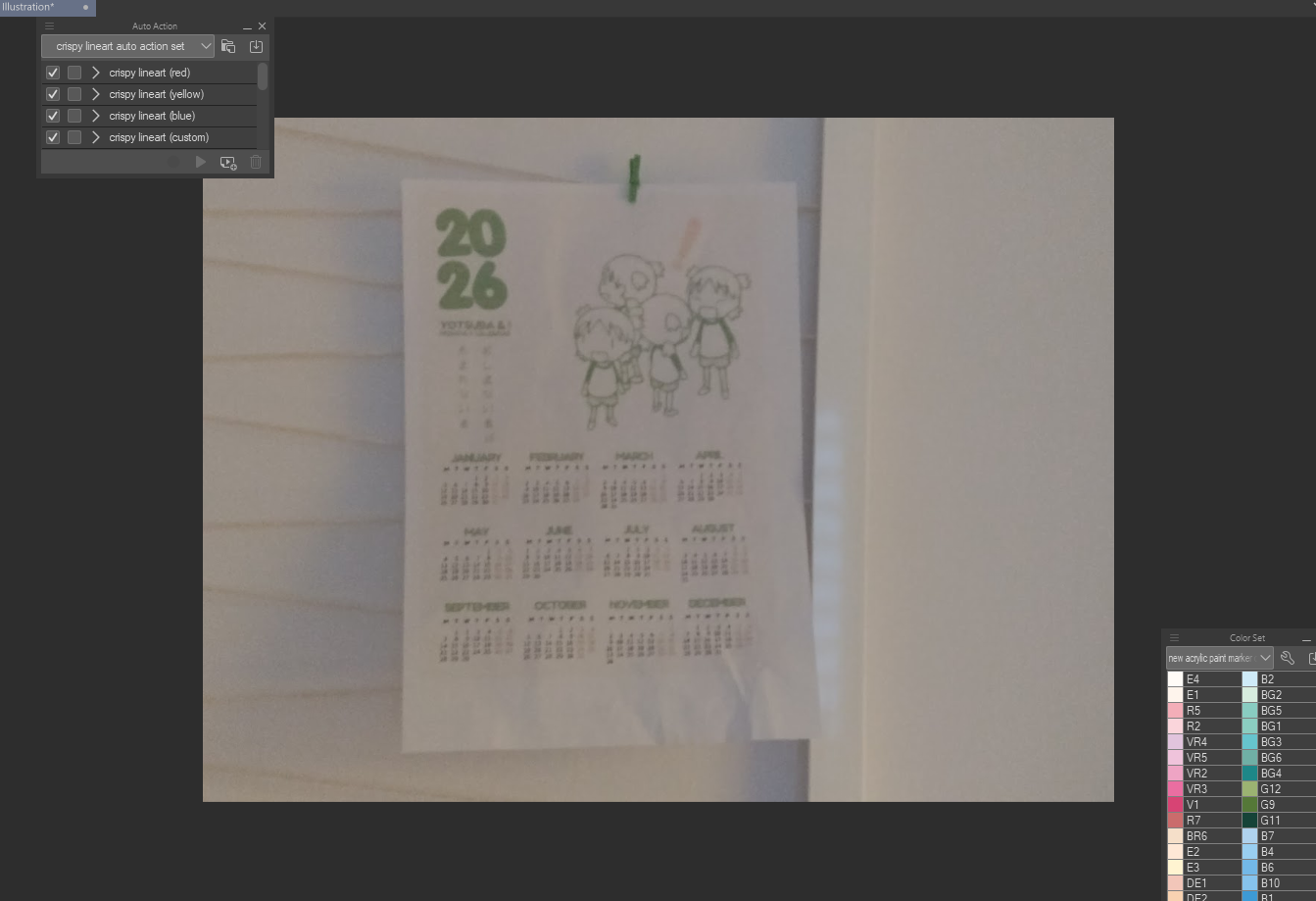
next create a 95x80px (72dpi) canvas. this will be the size of your digicam!
load your template with your photo...
change the size of your photo to the width of this canvas. apply layer mask from the purple bg of the template and add 04b_03b text on the bottom center: MY DIGICAM - MMDDYY (change the cam name to your own as well as the date)
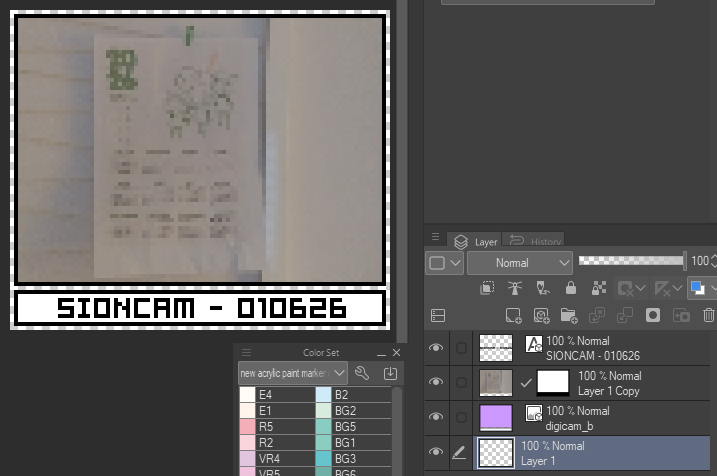
save the img as DCAM_MMDDYY.png and upload the pics to your dashboard! you will need to create a new folder and name it digicam before uploading. now you can add your digicam to your sidebar using <a href="digicam.html"><img="digicam thumbnail goes here"></a>!!!
if you wanna use an rollover effect to your digicam you can copy+paste THIS script and download one of these panels below...


then paste this script in between the <head> and </head> tag:
<script language="JavaScript" src="JSFX_FadingRollovers.js" type="text/javascript"></script>

<script language="JavaScript">

FadeInStep=5;

FadeOutStep=2;

JSFX.Rollover("digicam","img");

</script>
and finally paste the code below on your sidebar! now you will have a digicam with a roll-over effect!
<a href="digicam.html"onMouseOver="JSFX.fadeIn('digicam')" onMouseOut="JSFX.fadeOut('digicam')">

<img class="imgfader" name="digicam" src="panel" width="95" height="80">

</a>